



Why 3D Printer Enclosure Electronics Matter in 2025
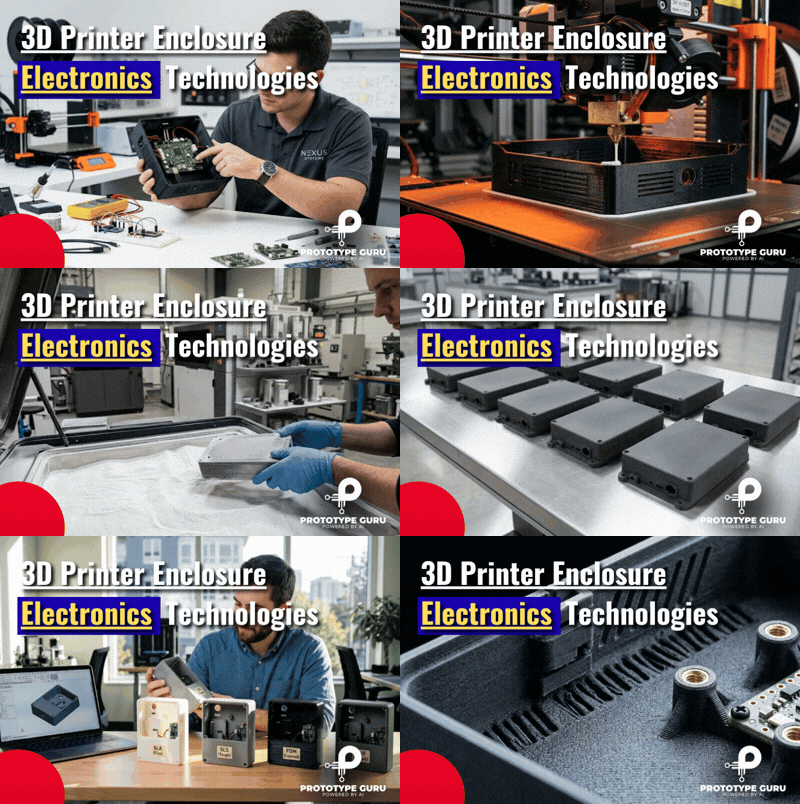
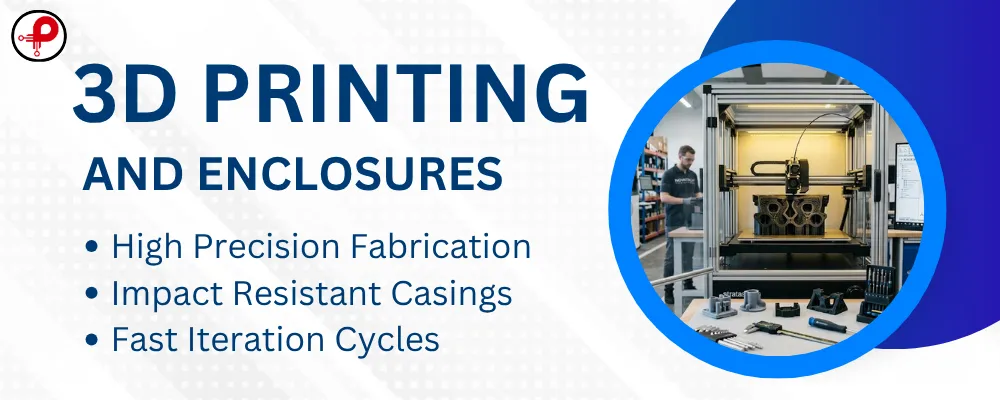
3D printer enclosure electronics technology has fundamentally changed how hardware teams in the USA bring connected products to life. Whether you are developing an IoT device enclosure, a custom PCB enclosure for an embedded system, or a rugged industrial housing, additive manufacturing gives your engineering team a direct path from digital design to a functional, testable part — often within 24 to 72 hours.
Traditional plastic enclosure manufacturing through injection molding requires expensive tooling, long lead times, and a committed design before a single part is produced. For hardware startups, product engineers, and electronics developers iterating on smart devices, wireless devices, and connected products, that model is a costly bottleneck. Rapid prototyping of electronics enclosures through 3D printing removes that constraint entirely, letting teams run multiple design iterations before locking in a manufacturing-ready design.
The result: faster product validation, lower prototype enclosure fabrication costs, and a dramatically shorter path from concept to low-volume enclosure manufacturing or full production.
This guide breaks down the 4 most powerful 3D printing technologies used for electronics enclosure manufacturing in the USA today — with honest performance data, material selection guidance, and clear advice on which technology fits which stage of your hardware product development process.
Technology 1 — FDM: The Accessible Workhorse for Electronics Enclosure Prototyping
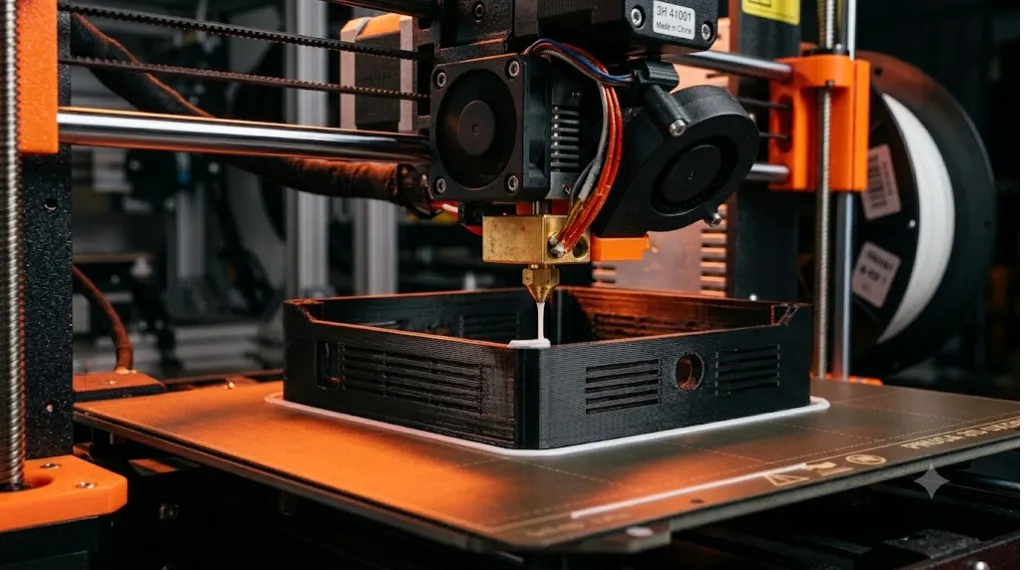
Fused Deposition Modeling (FDM) is the most widely used and cost-accessible additive manufacturing process in the USA. It works by heating a thermoplastic filament — typically ABS plastic, PLA prototyping resin, PETG, or ASA — and depositing it layer by layer to build a three-dimensional structure.
For electronics enclosure prototyping, FDM is almost always the right first step.
What FDM Does Well for Electronic Device Enclosure Design
FDM printers turn around a basic electronic device enclosure in hours at very low cost per part, making design iteration fast and inexpensive.
Industrial FDM machines support build volumes up to 900 × 600 × 900 mm — making it the default choice for large enclosures and industrial electronics housings.
ABS offers good impact resistance. PETG delivers UV resistance and moderate toughness. PLA is ideal for quick concept-stage functional prototypes where dimensional accuracy matters more than durability.
Engineers can verify mounting features, PCB standoff positions, cable routing paths, and snap-fit geometry before committing to more expensive processes.
FDM Limitations for PCB Enclosure Prototyping
FDM is the least dimensionally accurate of the major technologies, offering tolerances of ±0.3–0.5 mm. Layer lines affect surface finish and can create stress concentration points along the Z-axis, reducing impact resistance in certain orientations. For tight connector openings — USB-C ports, power jacks, antenna cutouts — you should design with at least 0.5 mm clearance per side.
FDM is not the right choice for final product enclosure development that requires isotropic mechanical properties or a smooth, production-grade surface finish without post-processing.
Best for: Early-stage concept models, engineering prototypes, jigs and fixtures, rapid enclosure design verification.
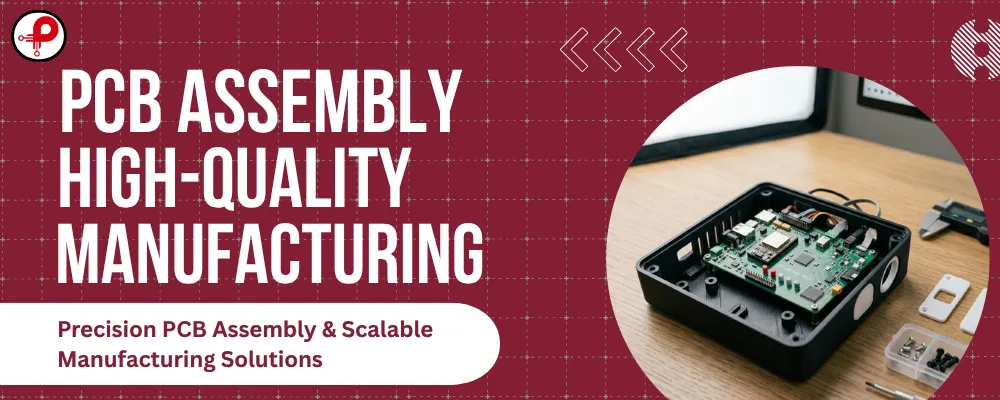
💡 When designing FDM enclosures for embedded systems, always reference your PCB manufacturing process to ensure standoff heights, connector clearances, and board dimensions are captured accurately in your CAD model before printing.
Technology 2 — SLA: Precision-First Custom Electronic Enclosure Design
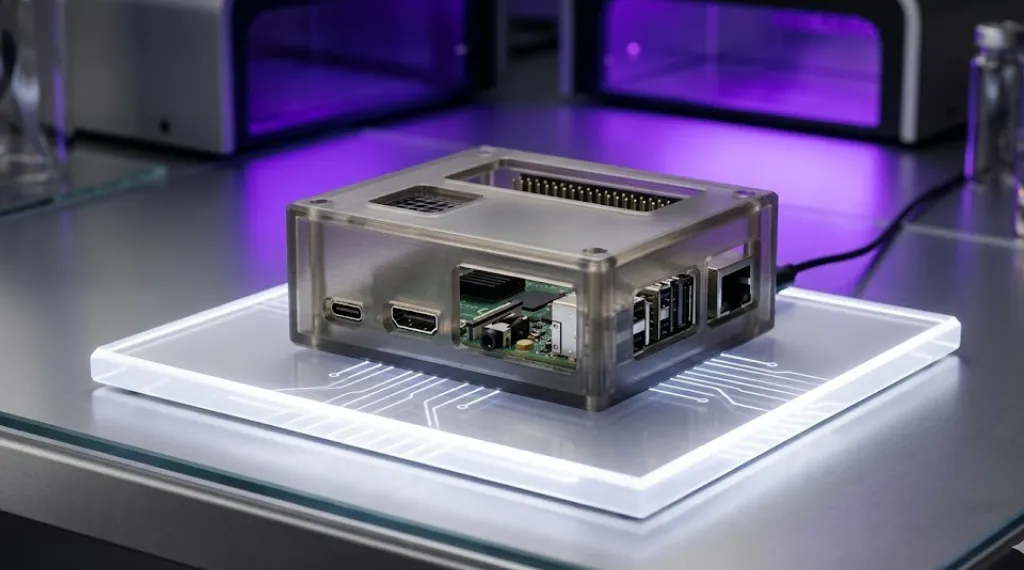
Stereolithography (SLA) uses a UV laser to cure liquid photopolymer resin layer by layer, producing parts with the tightest dimensional tolerances of any polymer 3D printing technology: ±0.1–0.2 mm. That level of accuracy makes SLA the go-to choice for custom electronic enclosure design where fit and finish are non-negotiable.
Where SLA Excels in 3D Printed PCB Enclosures
For electronics developers building consumer electronics, smart devices, or presentation-ready hardware prototypes, SLA delivers:
- Crisp surface detail with near-injection-molded aesthetics right off the printer.
- Tight clearances around display cutouts, button openings, LED windows, and precision snap-fit features.
- Transparent resin options for enclosures where internal component visibility or light-piping for status LEDs is required.
- Fine connector geometry: SLA is the most reliable technology for accurate USB, RJ45, SMA, or barrel-jack opening geometry, requiring only 0.3 mm clearance per side.
SLA Material Selection for Electronics Housings
Standard SLA resins offer good stiffness but limited impact resistance — not ideal for enclosures that will experience mechanical stress. Specialty resins, including tough resins and high-temperature resins, expand the application range significantly. High-temperature SLA resins can withstand operating environments above 100°C, which matters for embedded electronics near power components.
One note on thermal management: unlike SLS or MJF nylon parts, SLA resin enclosures have limited capacity for integrated ventilation openings without post-processing, and the resin can degrade under prolonged UV exposure. If your electronic device enclosure will live outdoors, evaluate ASA filament (FDM) or Nylon PA12 (SLS) as alternatives.
Best for: Presentation prototypes, investor demo units, enclosures with precision display and button cutouts, product enclosure development requiring cosmetic quality.
Technology 3 — SLS: Industrial-Grade Electronic Enclosure Manufacturing
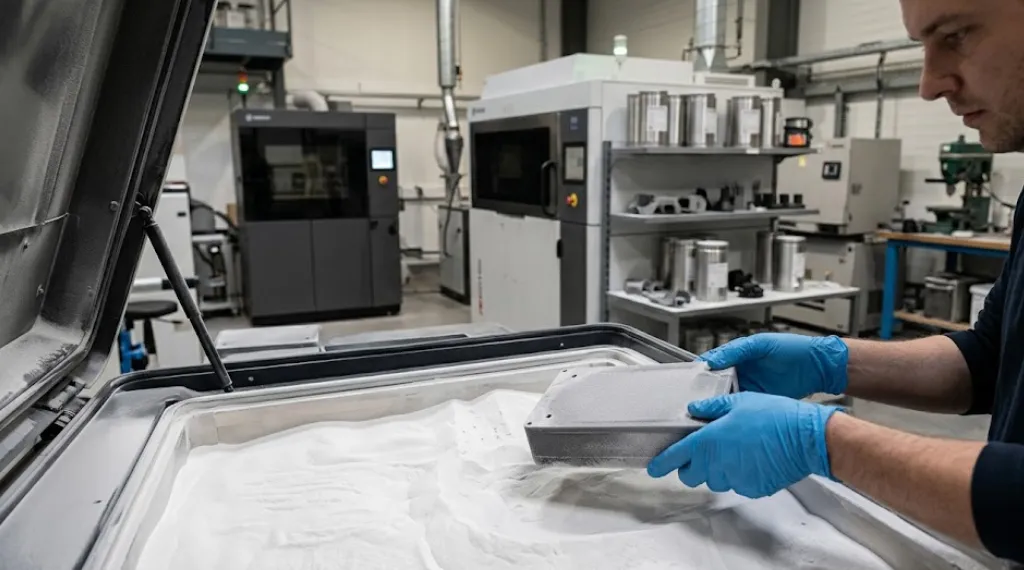
Selective Laser Sintering (SLS) uses a high-powered laser to fuse powdered polymer — most commonly Nylon PA12 — layer by layer. No support structures are needed because the surrounding unfused powder supports the part during printing. The result is a production-grade part with isotropic mechanical properties, excellent impact resistance, and outstanding design freedom.
SLS is the benchmark technology for functional electronic enclosures in the USA’s industrial and commercial electronics sectors.
Why SLS Is the Standard for Functional Enclosure Fabrication
Mechanical strength
Nylon PA12 parts from SLS processes exhibit consistent mechanical performance in all axes — X, Y, and Z. This matters enormously for enclosures with integrated snap-fit designs, living hinges, cable routing features, and thin-wall sections. Unlike FDM parts, SLS enclosures won’t delaminate along layer lines under load.
Support-free complex geometry
Because no supports are required, SLS can produce internal mounting features, complex internal cable channels, undercuts, and interlocking assembly features that would be impossible or impractical to print with FDM or SLA.
ESD-safe materials
For engineers dealing with EMI issues and electromagnetic compatibility testing, SLS offers ESD-safe powder options such as Ultrasint® PA11 ESD — a critical material selection advantage for 3D printed PCB enclosures that must protect sensitive electronics from electrostatic discharge.
Thermal performance
Glass-filled Nylon 12 (PA12 GF) from SLS printing significantly improves heat deflection temperature and dimensional stability — valuable in enclosures housing power electronics or components generating significant thermal load. Proper thermal management, including ventilation openings, ribbed internal walls, and material selection, is essential for reliable circuit protection.
Low-volume production
SLS supports batch production runs of 50 to 5,000+ units cost-effectively, making it a proven injection molding alternative for low-volume enclosure manufacturing where tooling costs cannot be justified.
SLS Dimensional Accuracy
SLS delivers ±0.3 mm or ±0.3% (whichever is greater). This is excellent for functional enclosures but requires slightly more clearance around mating features compared to SLA. Design snap-fit engagements with 0.3–0.5 mm clearance and test fit before finalizing the design.
Best for: Functional electronic enclosures, low-volume production, industrial electronics, IoT device enclosures, ESD-sensitive PCB enclosures, hardware products requiring snap-fit and complex internal geometry.
Technology 4 — Multi Jet Fusion (MJF): Production-Ready Custom PCB Enclosures
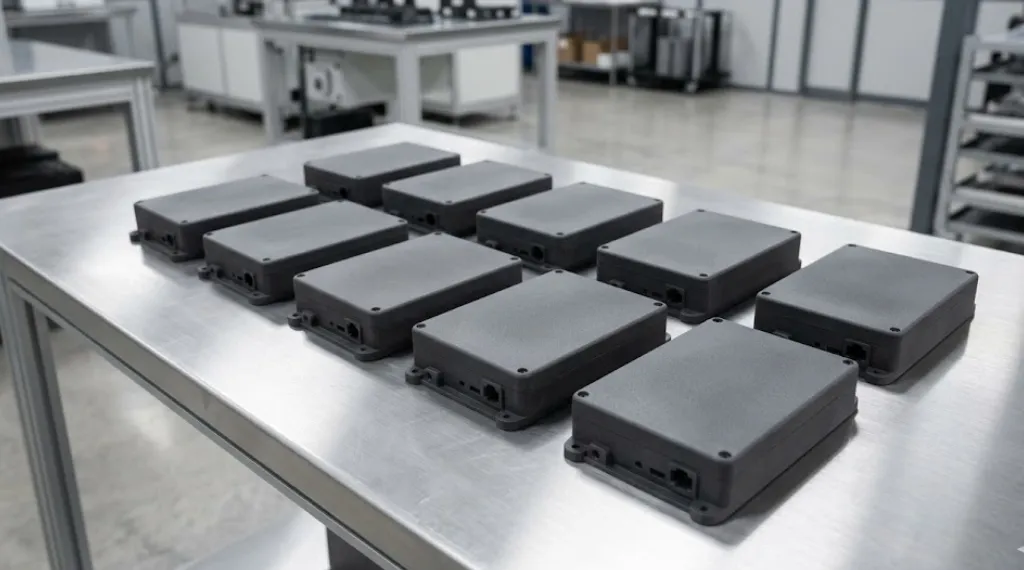
Multi Jet Fusion (MJF), developed by HP, is the most production-oriented polymer 3D printing technology available in the USA today. MJF uses inkjet heads to deposit a fusing agent and detailing agent onto a bed of PA12 or PA11 powder, which is then exposed to infrared energy to fuse the parts with exceptional consistency and speed.
MJF’s Advantage for Custom Electronic Enclosure Design
Where SLS and MJF are often compared as near-equivalents, MJF pulls ahead in two critical areas for electronics enclosure manufacturing:
Speed: MJF builds parts significantly faster than SLS, reducing lead times for production-volume custom PCB enclosures.
Mechanical consistency: MJF-printed parts exhibit more uniform mechanical properties across their entire geometry compared to SLS. This consistency translates to more predictable snap-fit behavior, more reliable thin-wall performance, and less part-to-part variation in batch production — all of which matter when manufacturing electronic device enclosures at low to medium volumes.
Surface finish: MJF parts come out of the machine with a slightly finer surface finish than SLS. For consumer electronics housings and IoT products where appearance matters, MJF often requires less post-processing to reach a final surface quality target.
PA12 and PA11 options: Both materials offer excellent chemical resistance, dimensional accuracy at ±0.3 mm, and robust mechanical performance. PA11 (derived from bio-based castor oil) offers superior impact resistance and flexibility — making it the preferred material for enclosures on connected products, wearable electronics, and IoT products that experience physical shock in field deployment.
Production scalability: MJF’s speed and consistent part quality make it the best 3D printing option for bridging prototype enclosure fabrication into low-volume production manufacturing — a critical capability for hardware startups scaling from prototype to production.
Best for: Custom PCB enclosures at 50–5,000 unit volumes, production-grade IoT device enclosures, consumer electronics housings, rapid product development with tight schedules.
How to Choose the Right Technology for Your Electronic Device Enclosure
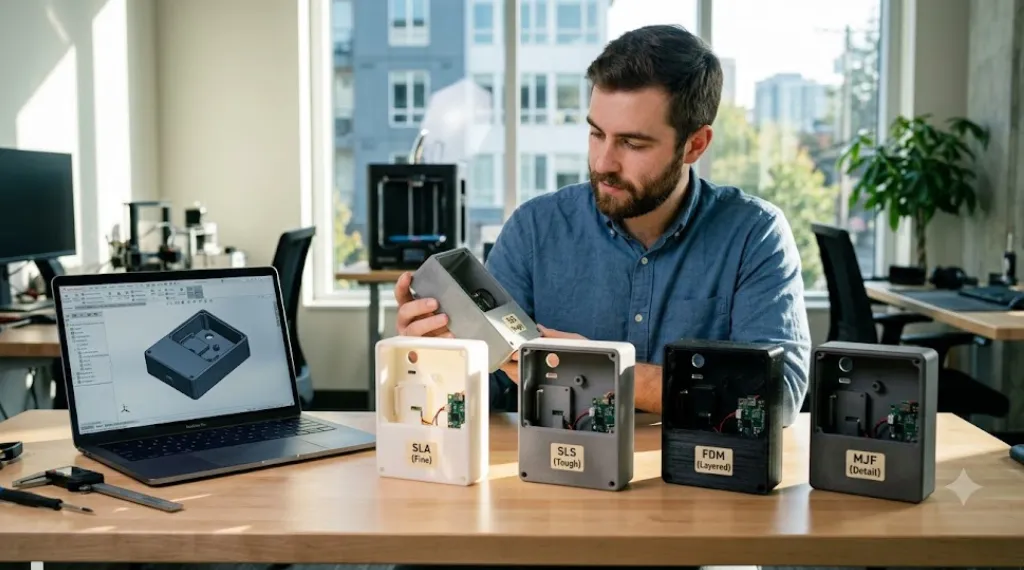
Use this decision framework to select the right 3D printing technology for each stage of your electronic enclosure design process:
| Stage | Best Technology | Key Reason |
|---|---|---|
| Early concept / fit check | FDM (PLA or ABS) | Fast, low cost, good enough for dimensional verification |
| Investor demo / visual prototype | SLA (tough or clear resin) | Cosmetic quality, tight tolerances, crisp features |
| Functional prototype / field test | SLS (Nylon PA12) | Isotropic strength, snap-fit reliability, ESD options |
| Low-volume production (50–5,000 units) | MJF (PA12 or PA11) | Speed, consistency, scalability |
| Injection molding alternative (5,000+) | MJF or SLS | Bridge production before tooling investment |
Critical Design Considerations for 3D Printed Electronic Enclosures
Regardless of which 3D printing technology you select, these engineering principles apply across all 3D printed electronic enclosures:
Wall Thickness and Structural Integrity
Minimum wall thickness recommendations: 1.2 mm for SLA, 1.5 mm for FDM, and 0.7–1.0 mm for SLS/MJF (which sinter powder without support, enabling thinner walls). Walls that are too thin flex under PCB mounting stress; too thick walls add unnecessary weight and print time.
Internal Mounting Features and PCB Standoffs
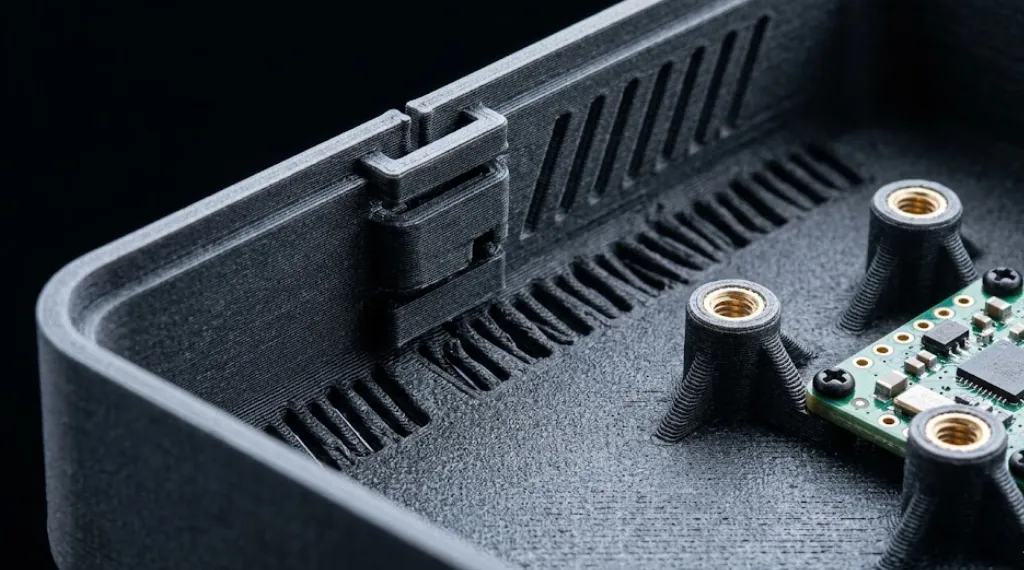
Integrated PCB standoffs, boss features, and snap-fit retention tabs are among the highest-value design features. Design these with your technology’s tolerance in mind (0.3–0.5 mm clearance for FDM; 0.2–0.3 mm for SLA/SLS/MJF). Verify standoff patterns match board mounting holes before printing.
Ventilation Openings and Thermal Management
For high-power electronics, utilize ribbed internal walls for convective heat dissipation and place ventilation slots to create natural convection paths. Selecting materials like Nylon PA12 GF improves heat deflection temperature compared to standard PA12.
Snap-Fit Design
Snap-fits enable tool-free assembly and repeated opening. SLS and MJF nylon outperform FDM for snap-fit reliability due to isotropic mechanical properties. For SLA, use caution as snap-fit geometry in thin sections may face brittle failure under aggressive cycling.
Cable Routing and Connector Openings
Plan cable routing paths, tie-down posts, and connector flanges during the CAD phase. Ensure you add 0.3–0.5 mm clearance to all connector opening dimensions based on your chosen print technology’s specific tolerance.
EMC and Circuit Protection
3D printed plastic offers no inherent electromagnetic shielding. For EMC compliance, evaluate post-print conductive spray coatings (nickel, copper, silver), the use of conductive filaments, ESD-safe powders, or internal metallic shielding inserts.
Understanding your electromagnetic compatibility requirements early in the enclosure design process saves costly re-spins later.
From Prototype to Production — Bridging the Gap
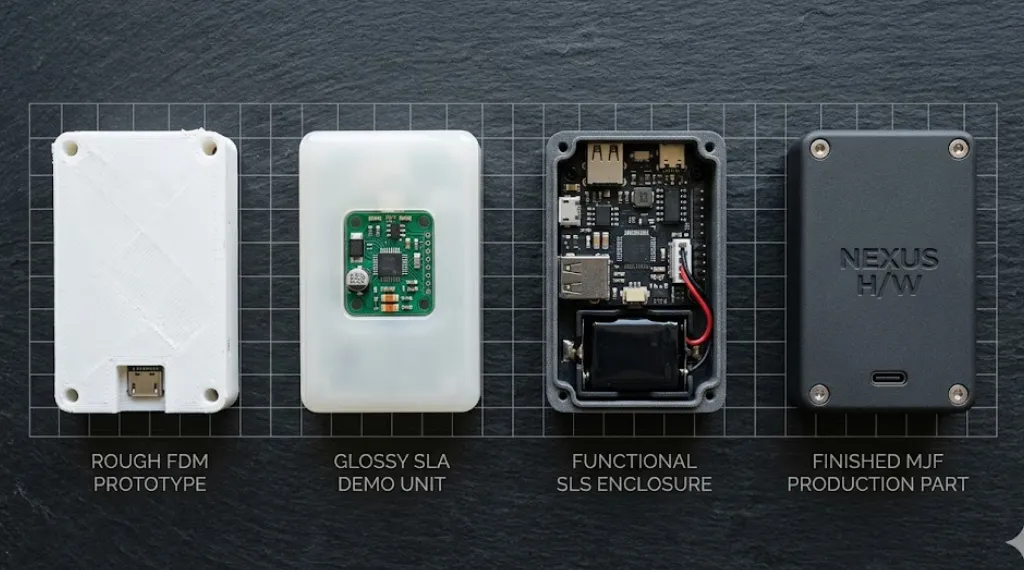
One of the most powerful aspects of modern 3D printing for electronics enclosures is how naturally it bridges prototype to production. Here is a typical workflow used by successful hardware product development teams in the USA:
Stage 1 — FDM concept models
Verify PCB fit, component clearances, and overall form factor. Inexpensive to iterate rapidly.
Stage 2 — SLA functional prototype
Produce a presentation-ready unit for investor demos, trade shows, or user research. Validate button travel, display window visibility, and surface aesthetic.
Stage 3 — SLS or MJF engineering validation
Produce 5–25 functional units for drop testing, thermal testing, connector durability testing, and regulatory pre-compliance testing. These parts closely simulate injection-molded nylon in mechanical behavior.
Stage 4 — MJF low-volume production
Fulfill initial orders, beta units, or field deployment units at 50–5,000 pieces while injection molding tooling is being cut in parallel — dramatically reducing time-to-market.
Stage 5 — Injection molding at scale
Once the design is validated and volume justifies tooling, transition to injection molding for high-volume runs. The data and learning from 3D printed enclosures directly inform the mold design, reducing tooling iteration cycles.
Frequently Asked Questions
What is the best 3D printing technology for electronics enclosures?
↑Can 3D printed enclosures be used for final production electronics products?
↓How do I add EMC shielding to a 3D printed electronic enclosure?
↓What wall thickness should I use for a 3D printed PCB enclosure?
↓Which materials work best for 3D printed IoT device enclosures?
↓How long does it take to get a 3D printed electronic enclosure made in the USA?
↓Can a 3D printed enclosure handle the heat generated by electronics?
↓Final Verdict
3D printer enclosure electronics technology has matured to the point where USA-based hardware teams can take a product from initial PCB layout to a validated, production-grade enclosure without a single injection-mold tool being cut. The four technologies — FDM, SLA, SLS, and MJF — each serve a distinct and valuable role in that journey.
- Use FDM to move fast and cheap in early design phases.
- Use SLA when cosmetic quality and dimensional precision define your prototype’s success.
- Use SLS when functional strength, ESD safety, and design freedom are the priority.
- Use MJF when you need production-grade performance, speed, and scalability.
The teams that win in hardware product development are those that use all four technologies strategically — matching the right process to each phase of product validation rather than defaulting to a single technology for the entire journey.
If your team is exploring custom PCB enclosure manufacturing, IoT device enclosure design, or low-volume production of electronic enclosures, start with a clear understanding of your PCB’s dimensional requirements and thermal needs — then select your printing technology accordingly.