



Introduction
Building a new gadget sounds exciting until you actually sit down and try to turn that spark of an idea into something that works, survives testing, and can be manufactured by the thousand. That gap between imagination and a finished circuit board is exactly where most hardware founders get stuck. Electronic product design is the structured process that closes this gap. It takes a rough concept, runs it through market research, schematic capture, PCB layout, firmware, prototyping, compliance testing, and finally manufacturing, so that what started as a sketch on a napkin ends up as a reliable product on a store shelf.
This guide walks through the entire electronic product design workflow in the order most engineering teams actually follow it. You will see how concept definition feeds into component selection, how schematic design connects to PCB layout, why hardware prototyping matters so much before tooling begins, and how design for manufacturing decisions made early can save thousands of dollars later. Along the way we will point to deeper resources on specific topics like EMI shielding, ESP32 layout, and battery protection circuits, so you can go as deep as your project needs.
Whether you are a first time founder building a connected device, a mechanical engineer moving into electronics, or a student trying to understand custom electronics development from the ground up, this workflow gives you a realistic roadmap rather than a textbook abstraction.
Why a Structured Electronic Product Design Process Matters
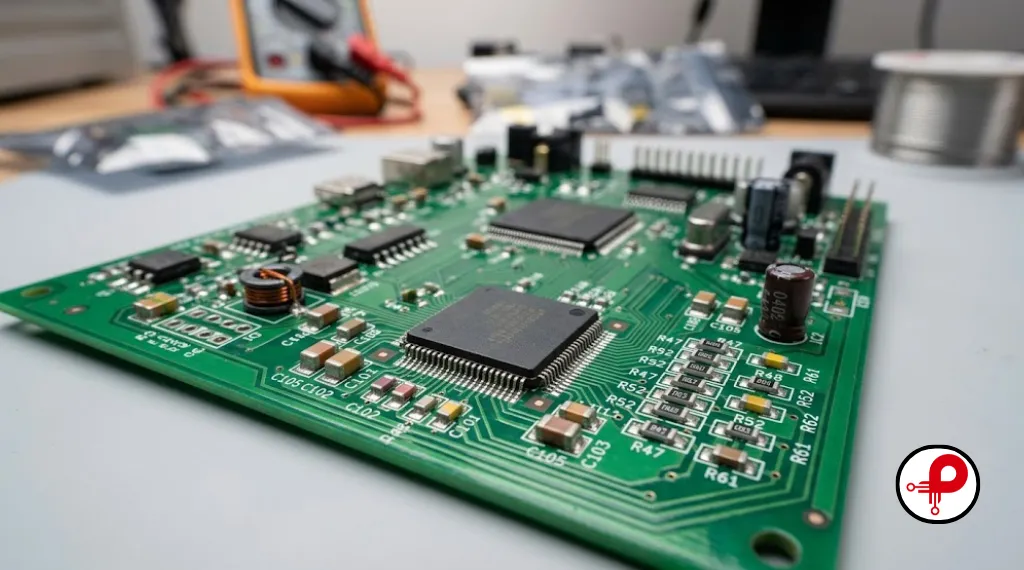
Hardware is unforgiving. Unlike software, you cannot push a quick patch after launch when a PCB has already gone through surface mount technology and shipped to customers. A misplaced trace, an undersized capacitor, or a missed EMI requirement can mean an entire batch gets recalled. That is why every serious electronics product development team follows a structured process instead of improvising.
A disciplined product design engineering approach gives you three concrete advantages. First, it reduces costly rework because problems get caught at the schematic or breadboard stage instead of after PCB fabrication. Second, it shortens time to market because each phase has clear deliverables and exit criteria, so teams are not guessing what comes next. Third, it improves manufacturability, because design for manufacturing thinking is baked in from day one rather than bolted on right before mass production.
Industry data consistently shows that fixing a design flaw during the schematic phase costs a fraction of what it costs to fix the same flaw after tooling for injection molded enclosures has already begun. That single fact is the entire justification for following a workflow rather than jumping straight into PCB layout software.
Stage 1: Idea Generation and Market Research

Every electronic product design project begins with a problem worth solving, not with a chip or a sensor. Before opening any CAD tool, spend real time identifying who the customer is, what frustrates them about existing solutions, and whether they would actually pay for your fix.
During this research phase, ask:
Analyze existing market solutions to identify performance gaps, feature deficits, and user pain points that define your primary competitive advantage.
Define the specific persona and economic constraints, establishing clear price sensitivity thresholds to ensure product-market fit.
Determine necessary certifications, safety standards, and legal requirements needed for your specific industry and target geographic markets.
Assess the Technology Readiness Level (TRL) to verify if core components are mature enough for reliable, scalable production today.
A competitive comparison table is one of the simplest ways to evaluate market positioning during electronic product design. By comparing features, pricing, performance, usability, and technical capabilities side by side, teams can clearly identify strengths, weaknesses, and market gaps. This structured analysis reduces assumptions, supports better product decisions, and helps engineers focus development efforts on features that create meaningful differentiation and customer value.
| Factor | Competitor A | Competitor B | Your Concept |
|---|---|---|---|
| Core function | Basic monitoring | Monitoring plus app | Monitoring plus AI alerts |
| Connectivity | Wifi only | Wifi and Bluetooth | Wifi, Bluetooth, optional cellular |
| Price range | Low | Mid | Mid |
| Battery life | 1 day | 3 days | 5 days target |
| Build quality | Plastic only | Plastic only | Aluminum option |
This kind of table, often called a technical level map by experienced design firms, forces clarity before a single schematic line is drawn. It also helps later when you are writing a business case for investors or manufacturing partners.
Stage 2: Product Definition and Requirements

Once the opportunity is validated, the next step in electronic product design is translating a vague idea into a written specification. This document, sometimes called a product requirements document, should separate functional requirements from non functional ones.
Functional requirements describe what the device must do: read a temperature, transmit data over Bluetooth, run for five days on a single charge, survive a one meter drop. Non functional requirements describe how well it must do it: response time, certification standards, operating temperature range, ingress protection rating.
A clear specification at this stage prevents what engineers call scope creep, where new features keep getting added mid project and blow up both budget and timeline. Teams that skip this step almost always end up redesigning the PCB multiple times because requirements kept shifting after layout had already started.
This is also the right moment to draft a preliminary bill of materials, even a rough one. Knowing roughly which microcontroller family, sensors, and connectivity modules you expect to use lets you estimate cost and feasibility before investing engineering hours into detailed schematic design.
Stage 3: System Architecture and Block Diagram
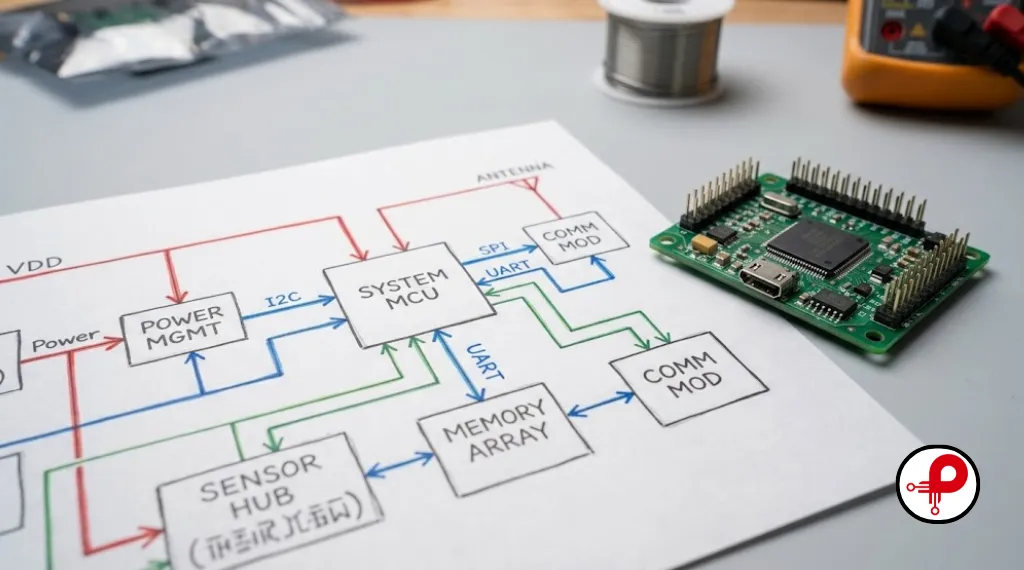
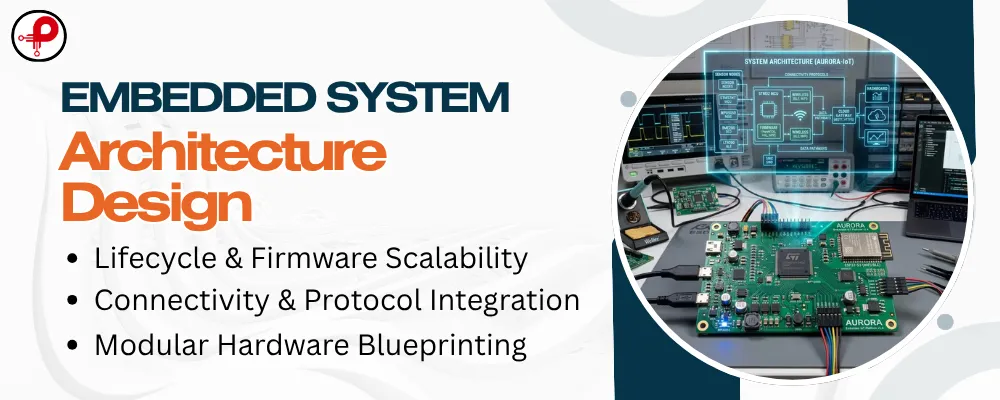
With requirements locked, the project moves into system architecture, which is the blueprint stage of electronic product design. Here the team draws a block diagram showing the major functional groups: power supply, main processor, sensors, communication modules, user interface, and any actuators.
A typical block diagram for a smart home device might separate the system into:
- Power management block, including battery, charging circuit, and voltage regulation
- Processing block, centered on a microcontroller or single board computer
- Sensing block, covering temperature, humidity, motion, or other inputs
- Communication block, handling Wifi, Bluetooth, or cellular connections
- User interface block, including display, buttons, or LEDs
This high level design guides every downstream decision. It also surfaces interface requirements early, such as whether the main controller exposes enough UART, SPI, and I2C pins for all the peripherals you plan to attach. Getting this wrong means discovering during schematic design that your chosen microcontroller simply does not have enough pins, forcing a costly restart.
If your project uses a popular development platform, our guide on the ESP32 PCB design guide is a useful reference for understanding pin budgeting and peripheral planning before you commit to a final architecture. For teams considering low cost development boards for early proof of concept work, the Arduino Uno Q guide is also worth reviewing.
Stage 4: Component Selection and Bill of Materials
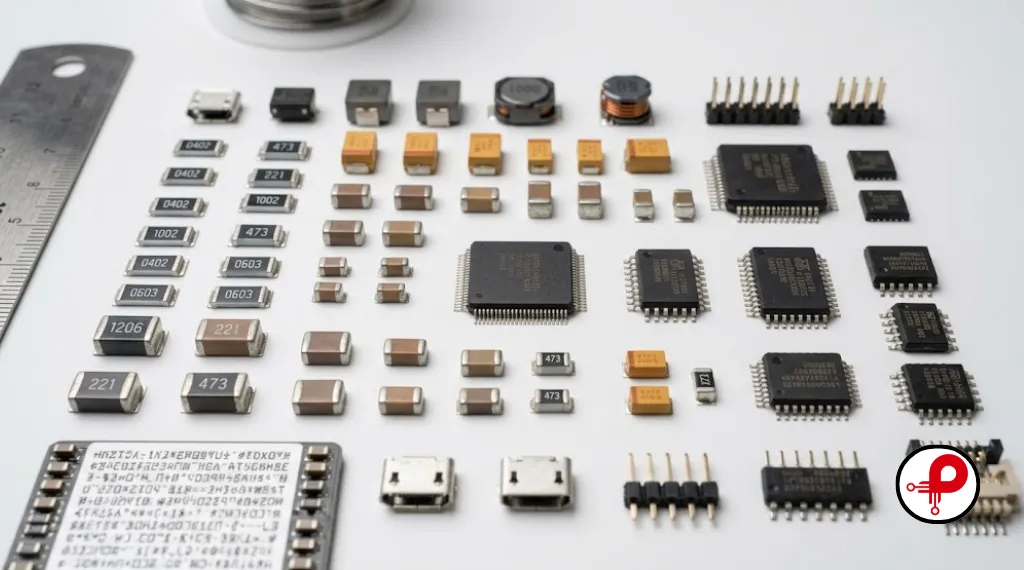
Choosing components is a balancing act between performance, cost, and long term availability. Component selection mistakes made here often surface months later as production delays caused by chip shortages or sudden end of life notices from suppliers.
Key considerations during component selection include:
Ensure the component strictly meets all requirements for voltage, current, timing, and accuracy to guarantee reliable operation.
Verify if the part is stocked by multiple reputable distributors to avoid supply chain risks associated with single-sourced components.
Analyze pricing structures, as unit costs often fluctuate significantly between small-batch prototype quantities and high-volume production.
Confirm that the part supports the specific industry certifications and safety standards required for your target market.
Review the manufacturer’s product roadmap to avoid selecting parts already flagged for obsolescence or End-of-Life (EOL).
Once components are selected, the team compiles the bill of materials, commonly called the BOM. This document lists every part, its manufacturer part number, quantity, and approximate cost. A clean, accurate BOM is one of the most underrated documents in hardware product development because it directly drives manufacturing quotes and procurement timelines.
For battery powered designs specifically, protection circuitry deserves careful attention early in component selection. Our detailed breakdown of the lithium ion battery protection circuit explains how to choose protection ICs that prevent overcharge, overdischarge, and thermal issues, all of which matter enormously for safety certification later.
Stage 5: Schematic Design
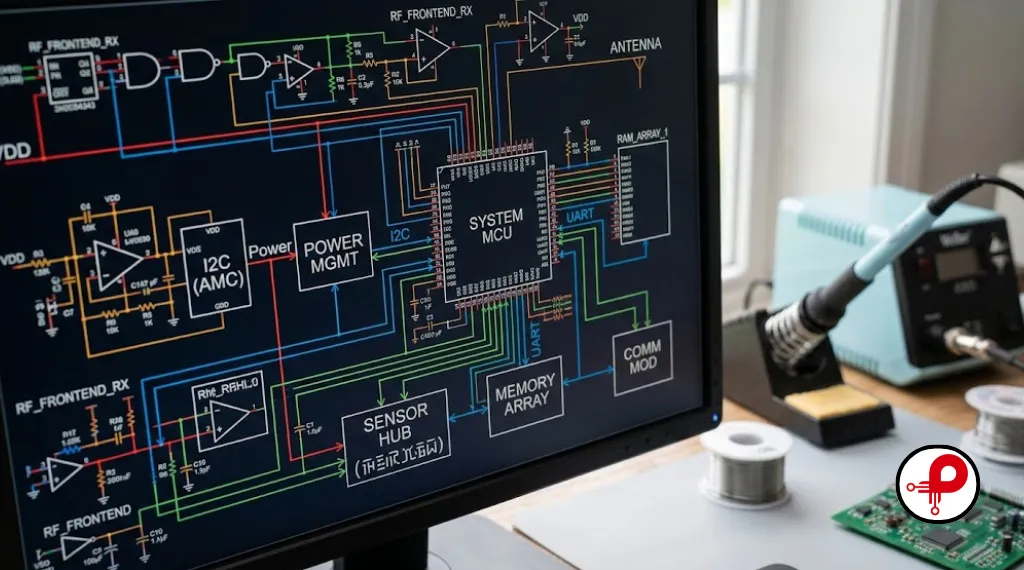
Schematic design transforms product requirements into a complete electronic circuit. Engineers use CAD software to define components, power systems, signal paths, and connectivity before PCB layout begins. Accurate schematics reduce hardware errors, simplify debugging, and create a reliable foundation for successful electronic product development.
Component Selection
Choose reliable ICs, resistors, capacitors, connectors, and power components that meet electrical, thermal, and manufacturing requirements. Utilize tools like the wire AWG size conversion calculator and capacitance conversion tool to ensure your selected components align with your circuit specifications early in the selection phase.
Power Distribution Design
Create stable voltage rails, add decoupling capacitors, and ensure proper grounding for clean and reliable circuit operation. Proper power plane management is critical to prevent noise coupling into sensitive analog sections.
Signal Routing Planning
Identify high-speed, analog, RF, and sensitive signals early so PCB routing constraints are easier to manage later. Strategic placement and trace geometry planning are the foundation of a successful board layout.
Design Validation Checks
Run Electrical Rule Checks (ERC) and simulation tools to detect missing connections, polarity issues, incorrect values, and electrical conflicts. Thorough simulation prevents costly errors before the design reaches the fab house.
Peer Review and Documentation
Review every net carefully and maintain clear, structured documentation to reduce costly PCB rework and manufacturing delays. A final “four-eyes” check ensures that all manufacturing outputs, such as Gerber files and Bill of Materials, are accurate and production-ready.
Stage 6: PCB Layout and Design for Manufacturing
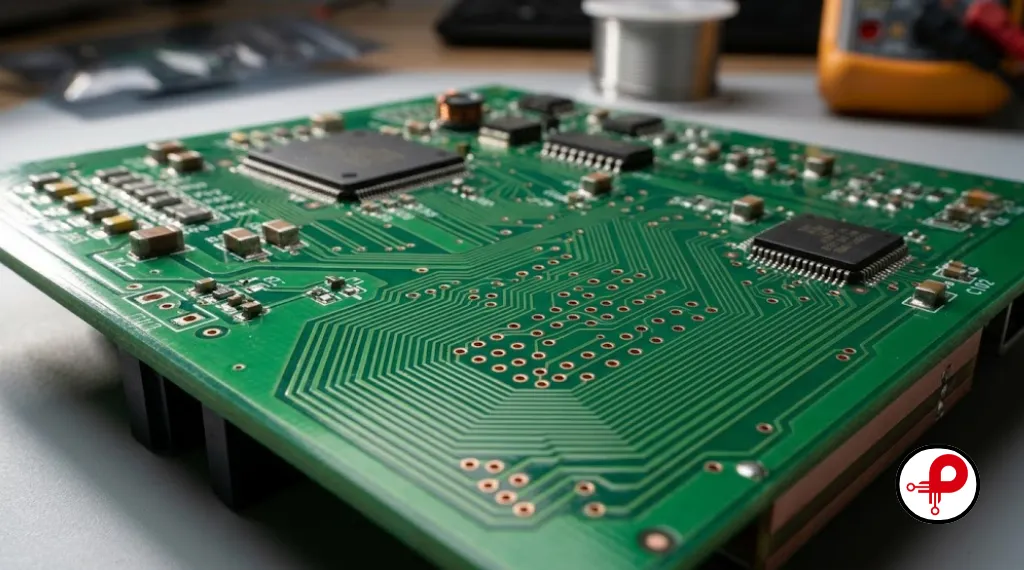
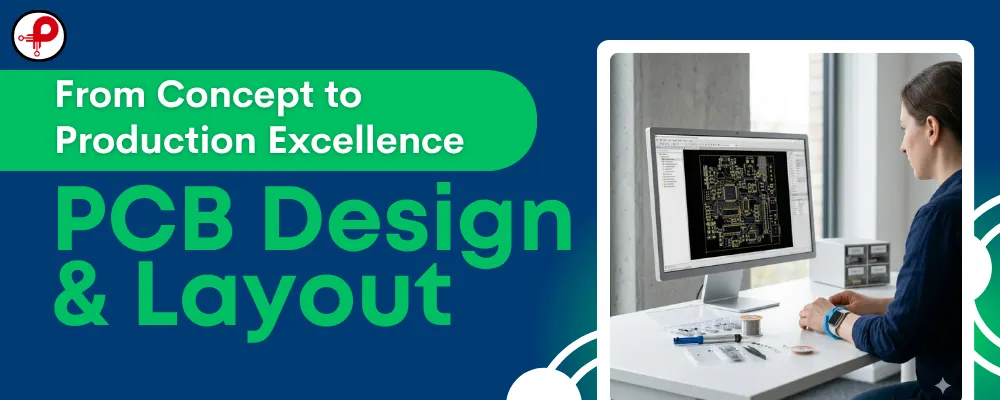
PCB layout is widely considered the most technically demanding stage of hardware engineering services, and it is where many beginner projects go wrong. The schematic tells you what connects to what, but the layout determines whether those connections actually work reliably in the physical world.
Good PCB layout practice includes:
- Keeping high speed and RF traces short and properly impedance matched
- Separating analog and digital ground planes where signal integrity demands it
- Placing decoupling capacitors as close as physically possible to IC power pins
- Following manufacturer design rules for trace width, spacing, and via sizing
- Planning component placement around the mechanical enclosure early, not as an afterthought
Comparison Table: Common PCB Layout Mistakes vs Best Practice
| Issue | Common Mistake | Best Practice |
|---|---|---|
| Power Traces | Too thin for current load | Size per IPC standards using calculators |
| Ground Plane | Split unnecessarily | Solid ground plane unless signal integrity requires separation |
| Decoupling Caps | Placed far from IC | Placed within a few millimeters of power pins |
| High Speed Traces | Long, unrouted as differential pairs | Length matched, controlled impedance |
| Thermal Relief | Ignored on high current pads | Proper copper pour and thermal vias |
Mistakes at this stage are common enough that we wrote a dedicated breakdown of the most frequent PCB design mistakes and how to avoid them. If you are deciding whether to design a fully custom board or adapt an off the shelf module, our comparison of custom PCB design vs off the shelf solutions walks through the trade offs in cost, timeline, and flexibility.
Electromagnetic interference is another major concern during layout. High frequency switching circuits, especially power converters, can radiate noise that fails compliance testing later. Reviewing our guides on high frequency switching noise issues and how to minimize EMI in a 4 layer PCB layout before finalizing your layout can save an expensive redesign cycle after EMC testing fails.
Design for manufacturing, often shortened to DFM, should be reviewed at this stage too. This means confirming that your chosen PCB fabricator can actually produce the trace widths and via sizes in your design, that component footprints match standard packages, and that the board panelizes efficiently for assembly. Our overview of the PCB manufacturing process and the more detailed PCB manufacturing and assembly process explain exactly what fabricators look for when reviewing your files.
Stage 7: Firmware and Embedded Software Development
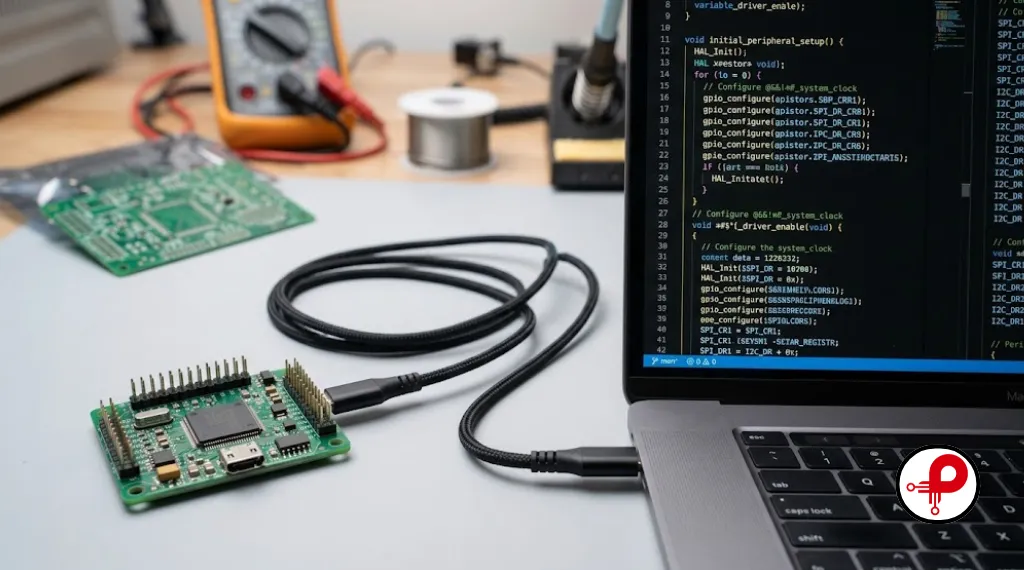
Hardware without firmware is just a paperweight. Firmware development runs in parallel with PCB layout in most modern electronic product design projects, because waiting until the board arrives to start writing code wastes valuable time.
Embedded teams typically begin firmware work on a development board or evaluation kit that mimics the target microcontroller, allowing software to be written and partially tested before the custom PCB exists. Once the first prototype board arrives, firmware is ported over and refined.
Key firmware considerations include:
- Power management routines, especially for battery operated devices
- Communication protocol stacks for Bluetooth, Wifi, or cellular modules
- Sensor drivers and calibration routines
- Over the air update capability for post launch fixes
- Watchdog timers and fault recovery logic for field reliability
If your design includes Bluetooth connectivity, our walkthrough on how does Bluetooth work in embedded systems and IoT covers the protocol fundamentals engineers need before writing connection logic. For teams building their first wireless device from scratch, the practical guide on how to make a Bluetooth device walks through hardware and firmware decisions together. Projects that need audio output, such as alarms or voice prompts, may also find the ESP32 audio player using YX5300 MP3 module guide useful as a reference implementation.
Stage 8: Prototyping and Hardware Validation
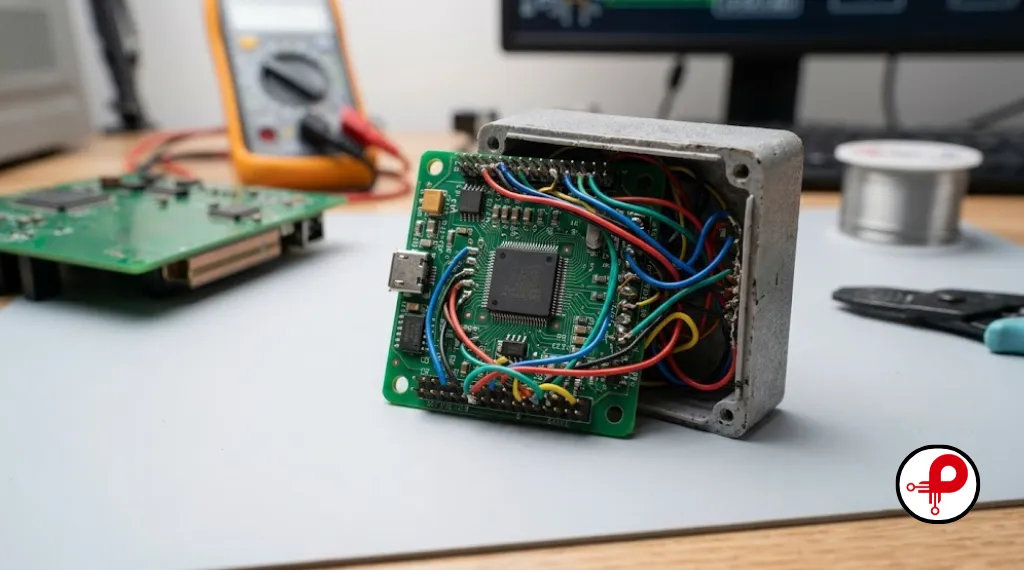
With schematic, layout, and firmware all in progress, the next stage of electronics product development is building a physical prototype. This is the moment where theoretical designs become tangible, testable hardware.
Prototyping typically happens in rounds. An early proof of concept prototype might use a development board and breadboard wiring just to validate that the core idea works at all. A second round produces a custom PCB, often described as an engineering validation unit, which tests the real circuit design in something close to final form factor. A third round, the design validation unit, refines mechanical fit, firmware stability, and manufacturing readiness before committing to tooling.
During each round, hardware validation should cover:
-
Functional Testing
Does every feature work as specified? This stage verifies that the firmware, logic, and user interface behave exactly as defined in the product requirements document.
-
Power Testing
Does battery life and current draw match projections? We analyze power consumption profiles across various operating modes to ensure longevity and thermal stability.
-
Mechanical Testing
Does the enclosure fit, and does it survive drop and vibration tests? This ensures the physical design is robust enough to handle the wear and tear of the intended real-world environment.
-
Environmental Testing
Does the device perform across its rated temperature and humidity range? This validates that materials, solder joints, and components maintain integrity under extreme conditions.
-
Compliance Pre-testing
Does the device show early signs of passing EMC and safety standards? Performing early-stage scans for electromagnetic compatibility and safety helps avoid expensive redesigns during final certification.
Rapid prototyping tools have made this stage dramatically faster than it was a decade ago. 3D printed enclosures, quick turn PCB fabrication, and modular development kits all shorten the feedback loop between design and physical testing. Teams that skip rigorous hardware validation here often discover expensive surprises during certification testing, which is far more costly to fix once tooling is already committed.
For teams working with switching power supplies or motors, it is also worth checking for electromagnetic compatibility problems early. Our guides on electromagnetic compatibility testing and EMI issues, causes, examples and fixes explain what test labs check for and how to fix common failures before submitting for formal certification. If your enclosure design needs shielding, our EMI shielding materials types guide compares conductive coatings, gaskets, and metal cans.
Power supply sizing matters too, especially for devices that connect to mains power or charge from a wall adapter. The computer power supply wattage calculator is a handy reference when estimating total system power budgets during this validation phase.
Stage 9: Compliance, Certification, and Manufacturing Transfer
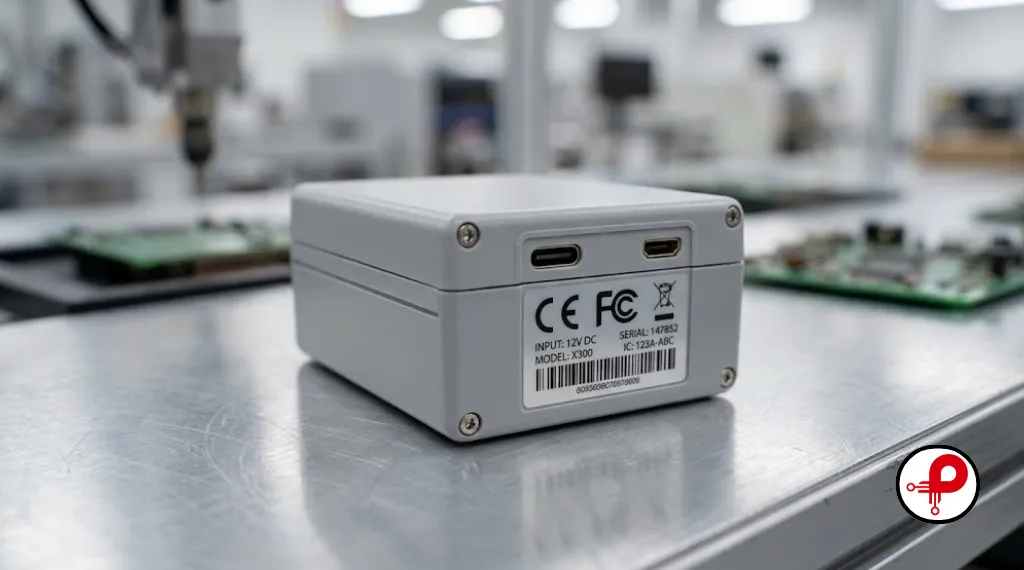
The final stage of electronic product design turns a validated prototype into a manufacturable product. This involves formal certification testing, manufacturing process planning, and the handoff documentation that contract manufacturers need to build your product reliably at scale.
Depending on your target market, certification may include:
- CE marking for the European market, covering safety, EMC, and environmental requirements
- FCC certification for radio frequency emissions in the United States
- UL safety certification for products connected to mains power
- RoHS compliance confirming the absence of restricted hazardous substances
Surface mount technology dominates modern electronics assembly, and understanding the soldering process helps you design boards that assemble cleanly with fewer defects. Our surface mount technology soldering guide covers reflow profiles and common placement issues. Quality control during assembly often relies on automated inspection systems, and our explanation of the automated optical inspection working principle shows how manufacturers catch soldering defects before boards ever reach final testing.
Manufacturing transfer documentation should include the finalized BOM, assembly drawings, test procedures, and firmware flashing instructions. A pilot production run, typically a few hundred units, validates that the manufacturing process itself is repeatable before committing to full scale production volumes.
Industrial Design and Consumer Electronics Considerations
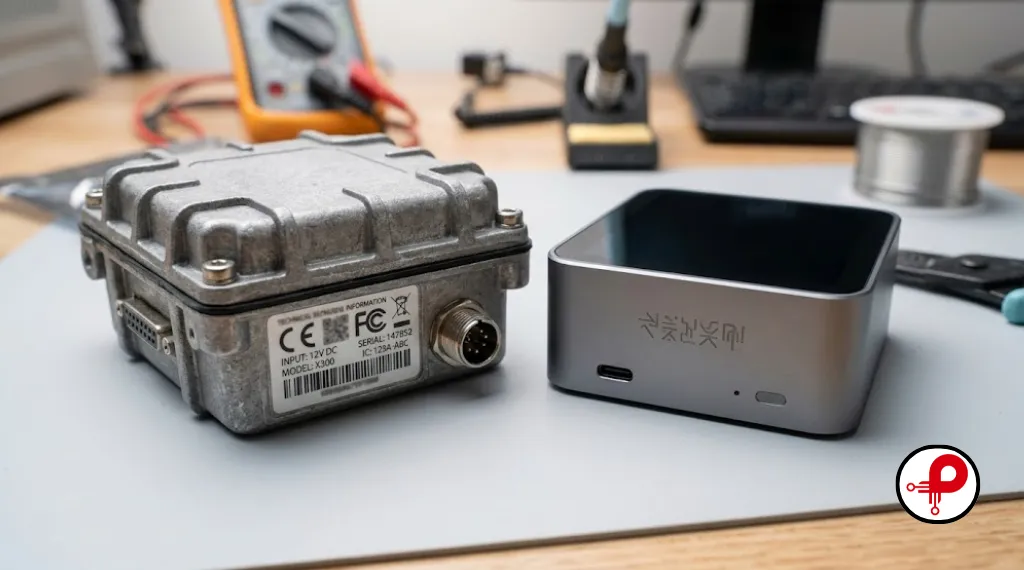
Not every electronic product design project targets consumers. Industrial electronics design often prioritizes durability, extended temperature ranges, and long service life over aesthetics. Consumer electronics, by contrast, places heavier emphasis on industrial design, user experience, and unboxing appeal.
If your project leans industrial, our guide on industrial product design engineering covers the additional ruggedization and reliability considerations that consumer focused guides often skip. For consumer facing products, our consumer electronics product design guide walks through the user experience and branding decisions that influence engineering choices.
Startups in particular face unique constraints around budget, timeline, and team size. Our dedicated resource on hardware development for startups addresses how to sequence this entire workflow when resources are limited. It is also worth staying current on where the industry is heading, and our roundup of PCB design trends tracks the tools and techniques gaining adoption among professional design teams.
Comparison Table: Electronic Product Design Stages at a Glance
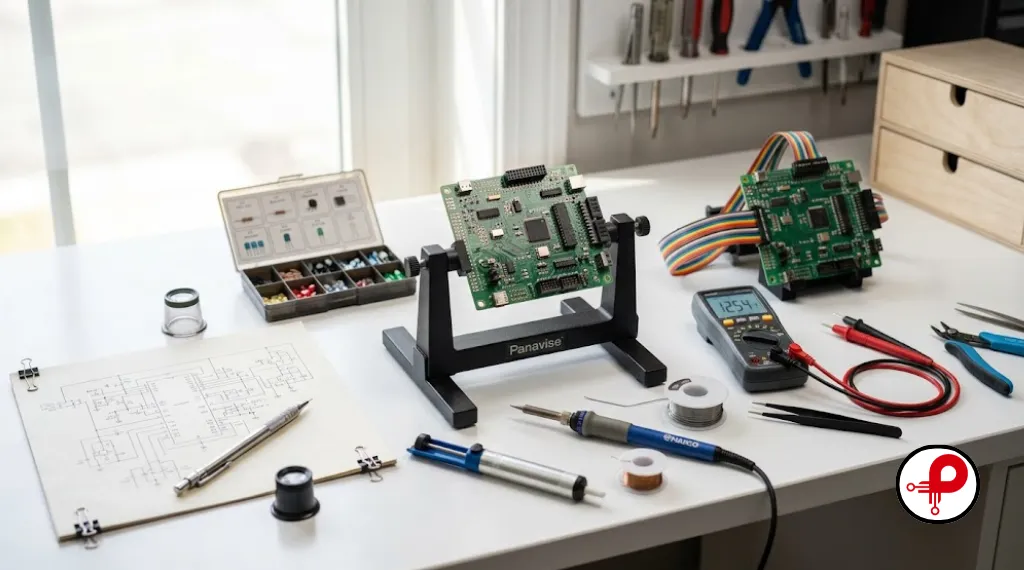
| Stage | Primary Goal | Typical Output | Common Pitfall |
|---|---|---|---|
| Idea and Research | Validate market need | Competitive analysis | Building for nobody |
| Product Definition | Lock requirements | Specification document | Scope creep |
| System Architecture | Define structure | Block diagram | Insufficient pin budget |
| Component Selection | Balance cost and performance | Bill of materials | Single sourced parts |
| Schematic Design | Detail circuitry | Schematic diagram | Missing decoupling |
| PCB Layout | Translate to physical board | Gerber files | EMI and signal integrity issues |
| Firmware Development | Control hardware | Embedded code | Late start, rushed testing |
| Prototyping | Validate in real world | Tested prototype units | Skipping environmental testing |
| Certification and Transfer | Prepare for scale | Manufacturing package | Incomplete documentation |
Common Mistakes That Derail Electronic Product Design Projects
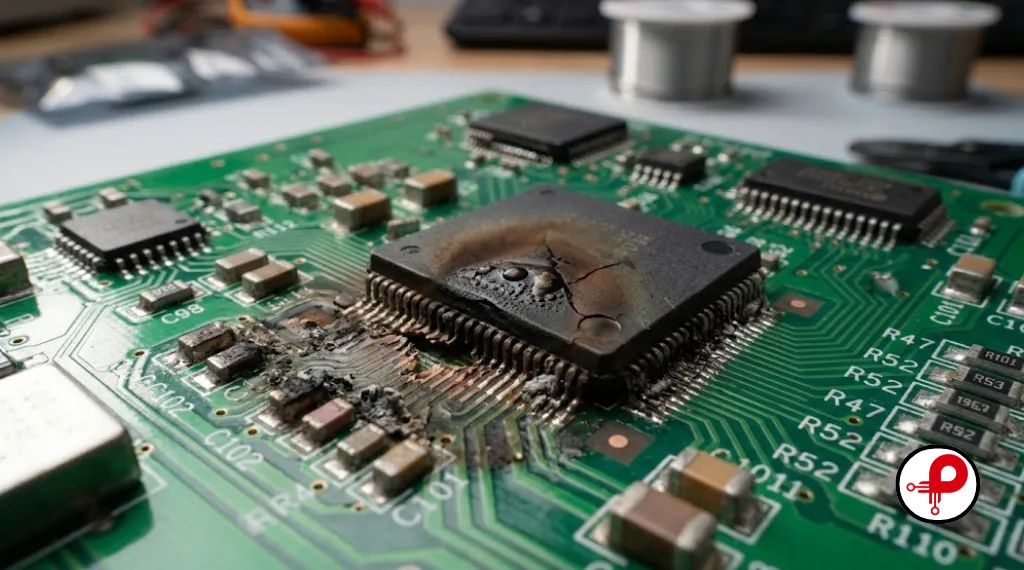
Even experienced teams fall into predictable traps. Recognizing them early can save months of rework.
Underestimating EMI early in the design. Many founders treat electromagnetic compatibility as a final checkbox rather than a design constraint that should influence layout decisions from the start. By the time a board fails EMC testing, the fix often requires a full re layout.
Skipping the preliminary design phase. Jumping straight from idea to schematic without a documented specification leads to constant rework as requirements shift mid project.
Choosing components without checking availability. A part that looks perfect on paper is worthless if it goes out of stock right before your production run.
Underestimating firmware timelines. Embedded software development is frequently scheduled as an afterthought, when in reality it should run in parallel with hardware design from the earliest stages.
Ignoring design for manufacturing until the end. Decisions that seem minor during prototyping, like an unusual component package or a tight tolerance, can dramatically increase assembly cost and defect rates at scale.
Frequently Asked Questions
“`html “`1. What is electronic product design?
↑2. What are the main stages of electronic product design?
↓3. How long does electronic product design usually take?
↓4. What software is used for electronic product design?
↓5. Why is PCB design important in electronic products?
↓6. What is the role of prototyping in product development?
↓7. Do I need a custom PCB or an off the shelf module?
↓8. What are the biggest challenges in electronic product design?
↓Conclusion
Electronic product design is not a single task but a sequence of disciplined stages, each building on the last. Starting with honest market research, defining clear requirements, architecting a sound system, selecting reliable components, and carrying that discipline through schematic design, PCB layout, firmware development, prototyping, and certification gives a hardware project the best possible chance of reaching the market successfully. Teams that respect this workflow, rather than rushing straight to a PCB layout tool, consistently ship better products with fewer expensive surprises along the way.
If you are starting a new hardware project, treat this guide as a checklist. Revisit the comparison tables, work through each stage in order, and lean on the linked deep dive resources whenever a specific topic, from EMI shielding to battery protection circuits, needs more detail than a single workflow article can cover. That structured approach to electronic product design is, in the end, what separates ideas that stay sketches from products that actually ship.