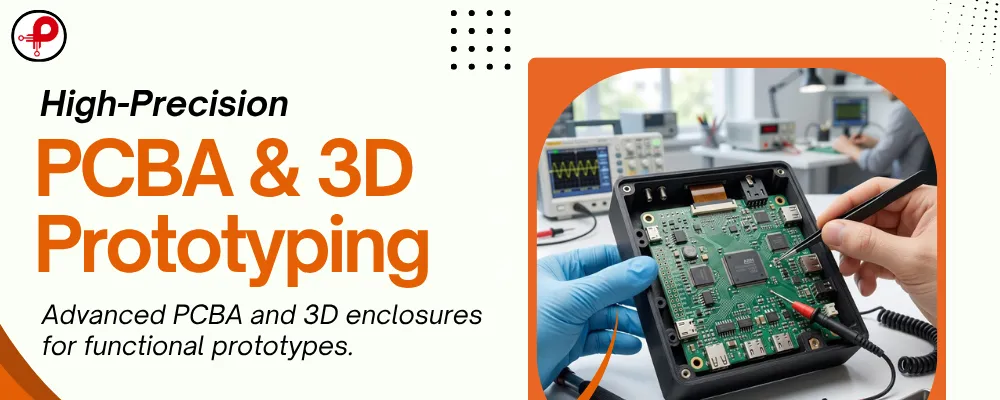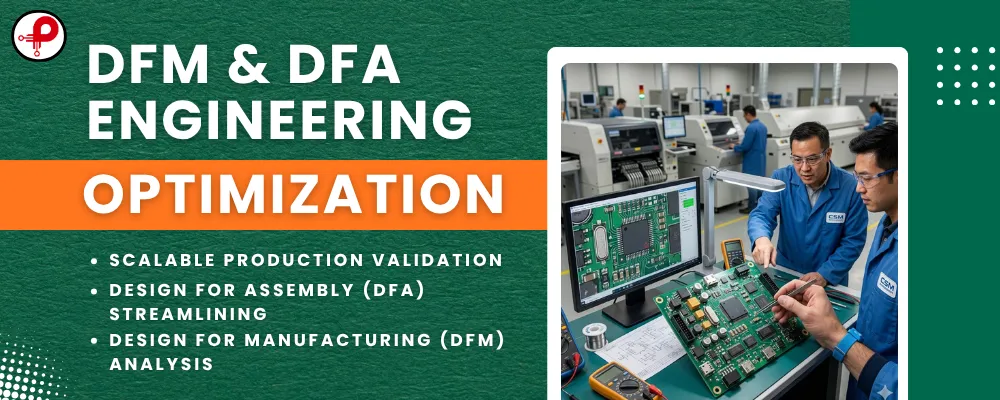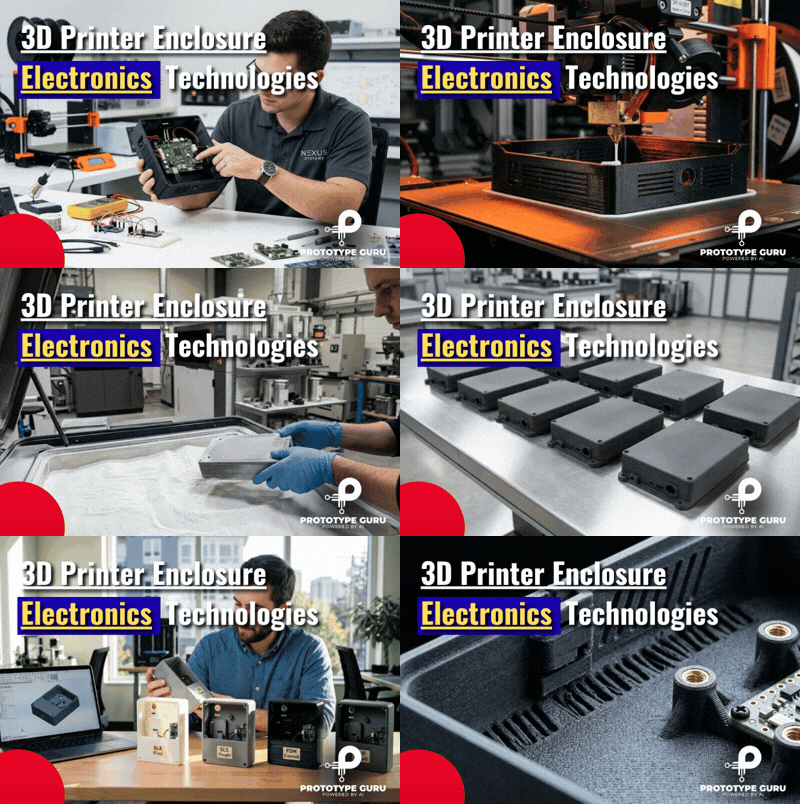







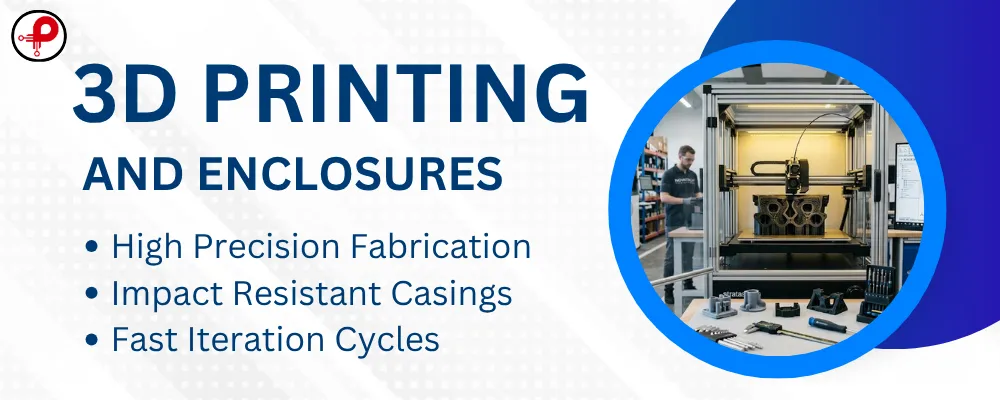
Quick answer: rapid prototyping 3D printing turns a CAD model into a physical part in hours or days, so you can check PCB fit, connector access and enclosure shape before you pay for tooling. Use FDM for cheap early fit checks, SLA for smooth detailed models, and SLS or MJF nylon when the 3D print prototype must survive real handling. Most electronics enclosures go through two to four printed versions before the design is ready for CNC or moulding.
An electronics enclosure has to hold the PCB, line up with connectors, take screws and let heat escape. Each of those interfaces is easy to get wrong on screen and easy to spot on a printed part. This guide compares the main processes, materials and costs, then gives enclosure design rules you can apply on your next build.
If you want a team to handle the enclosure and electronics together, our rapid prototype services cover PCB design, firmware and printed housings in one project.
What Is Rapid Prototyping 3D Printing?
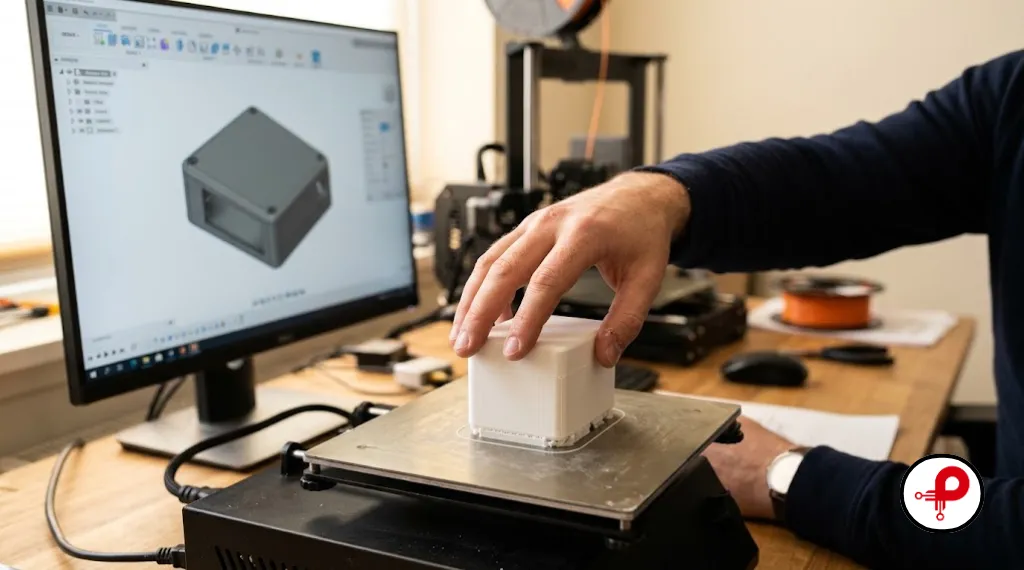
Rapid prototyping means building physical models fast during product development. 3D printing is one way to do it. A machine builds the part layer by layer from digital geometry, so you can inspect a feature, update the CAD and print the next version.
The two terms overlap without being the same thing. Rapid prototyping describes the purpose. 3D printing describes a family of manufacturing processes. CNC machining, laser cutting and sheet metal work can also produce prototypes, and 3D printing also makes jigs, short runs and some end use parts. That last use is often called rapid manufacturing 3D printing.
The workflow starts with a CAD model. You export a 3MF or STL file, set the orientation and supports, and print. The finished part may need support removal, washing, UV curing, powder removal or sanding.
Give each print one job. An FDM shell can confirm board placement and USB access. An SLA housing can carry an appearance review. An SLS prototype in nylon can test clips and screw bosses under real assembly forces.
How Rapid Prototyping 3D Printing Speeds Up Development
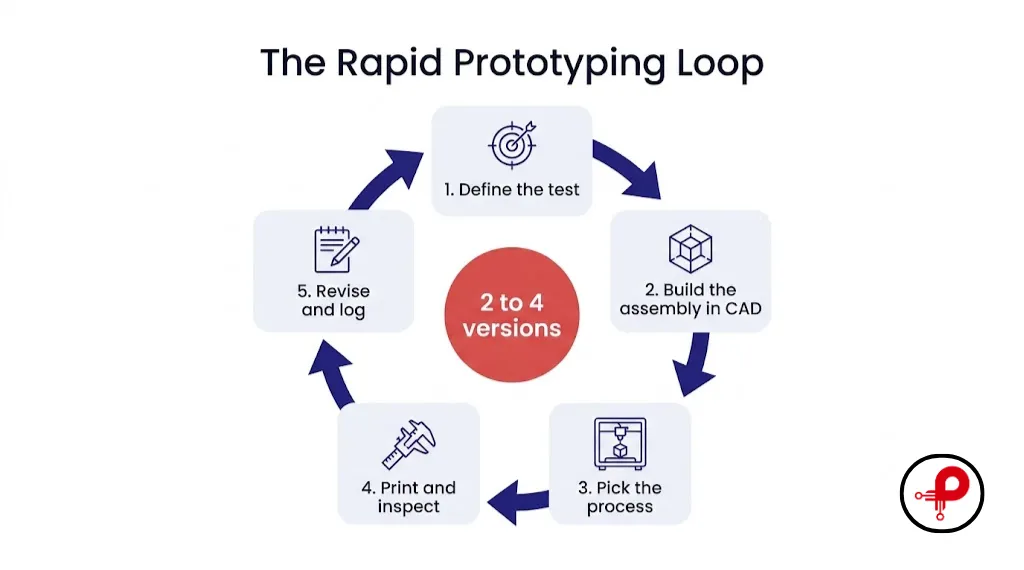
In rapid prototyping 3D printing, the gap between a CAD change and a part in your hand drops from weeks to days. You revise the enclosure, send a new file and test again, with no mould to change.
Run each build through five steps:
- Define the test. Pick one question: PCB fit, connector alignment, airflow, button feel or grip.
- Build the assembly in CAD. Import the PCB outline and STEP model from your PCB tool. Add component heights, connectors, cable plugs, the battery and keep out zones.
- Pick the process. Use cheap material while the shape changes. Move to an engineering grade when the test needs real strength or heat resistance.
- Print and inspect. Fit the real PCB, plug in real cables and measure critical features.
- Revise and log. Fix the CAD, bump the revision number and note the process and material used.
Write down the pass criteria before you print. List the dimensions that must fit, the surfaces that matter for looks, and any load or temperature the part will see. Photograph each failed fit. A simple log stops your team from repeating the same fix or blaming the CAD for a print variation.
For connected devices, run enclosure work alongside your IoT prototyping. A printed shell shows antenna placement, sensor window and cable routing problems before the PCB layout is frozen. Our guide to hardware development for startups explains where these builds fit in the wider plan.
[ADD: PrototypeGuru project example] Example format: “On our ESP32 Industrial IoT Gateway, the first FDM enclosure showed that the USB C cutout sat 1.5 mm too low. Version two fixed it, and version three moved to SLS nylon for the field trial.” Replace with real details from your team.
Rapid Prototyping 3D Printing Technologies Compared
The ISO/ASTM 52900 standard groups additive manufacturing into seven process families: material extrusion, vat photopolymerization, powder bed fusion, material jetting, binder jetting, directed energy deposition and sheet lamination. The printer names you see in quotes map onto these families.
| Technology | ISO/ASTM Family | How It Works | Strengths | Limits | Best Prototype Use |
|---|---|---|---|---|---|
| FDM / FFF | Material extrusion | A hot nozzle lays down plastic filament | Cheap machines and materials, fast turnaround | Visible layers, weaker between layers | Early fit checks, large housings, brackets |
| SLA | Vat photopolymerization | A light source cures liquid resin | Fine detail, smooth surface | Needs washing and curing; some resins are brittle | Appearance models, small detailed housings |
| SLS | Powder bed fusion | A laser fuses nylon powder | Strong functional parts, no support structures | Grainy surface, powder removal | Clips, hinges, functional enclosures |
| MJF | Powder bed fusion | Agents and infrared heat fuse nylon powder | Consistent nylon parts, good for small batches | Needs an industrial service | Functional housings, batches of 10 to 100 |
| PolyJet | Material jetting | Print heads jet droplets cured by UV light | Very smooth, multi material and colour | High cost; materials differ from production plastics | Visual and ergonomic models |
| Metal printing | Powder bed fusion or directed energy deposition | Laser or electron beam fuses metal | Complex metal shapes | High cost, heavy post processing | Specialist brackets, heat parts, fixtures |
Accuracy you can expect
Accuracy depends on part size, orientation, material and the machine. As one published reference, Protolabs lists these starting tolerances for its services in its basic design guidelines:
| Process | Protolabs Tolerance | Metric |
|---|---|---|
| SLA | ±0.002 in | ±0.051 mm |
| PolyJet | ±0.005 in | ±0.127 mm |
| SLS | ±0.010 in | ±0.254 mm |
| MJF | ±0.012 in | ±0.305 mm |
| Metal (DMLS) | ±0.003 in | ±0.076 mm |
These are one supplier’s figures, not limits for every printer. FDM accuracy changes a lot between machines, so measure a test coupon on your own printer.
SLA rapid prototyping
Stereolithography prototyping gives the smoothest surface of the common processes, so SLA rapid prototyping suits parts you will show to investors or users. Small text, buttons and fine snap details come out sharp. Standard resins can be brittle, so pick a tough or high temperature resin when the part will see load or heat.
SLS prototype parts
An SLS prototype uses nylon, which behaves much closer to a production plastic than most resins. The powder supports the part during printing, so you can print complex shapes and moving assemblies without support marks. Expect a matte, grainy finish unless you pay for smoothing or dyeing.
Choosing Materials for Rapid Prototyping 3D Printing
Match the material to the test you need to run, then plan the production material separately. A desk model, a housing near a power supply and a flexible strap need very different plastics.
| Material | Good for | Watch out for |
|---|---|---|
| PLA | Cheap concept models and first fit checks | Softens at low temperatures; brittle |
| PETG | General functional parts, covers, brackets | Strings during printing; moderate heat limit |
| ABS | Enclosures and impact parts | Warps; needs an enclosed printer and ventilation |
| ASA | Outdoor housings with UV exposure | Warps like ABS; check the grade |
| Nylon PA11 or PA12 | Clips, hinges, snap fits, functional housings | Absorbs moisture; properties change with humidity |
| Tough or high temp resin | Detailed parts with load or heat | Follow the resin’s washing and curing steps |
| TPU | Gaskets, feet, strain reliefs, bumpers | Harder to print; pick the right Shore hardness |
| Flame retardant grades | Enclosures with a fire rating requirement | Rating applies to a specific grade and thickness |
For a first PCB fit check, PLA or PETG on an FDM printer is the cheapest option. Move to ABS, ASA or nylon when the prototype sits near warm components or goes into the field.
Flame ratings and UL 94
UL 94 classifies how a plastic burns under controlled tests, with ratings such as HB, V 2, V 1, V 0 and 5VA. The rating belongs to a specific material grade at a specific thickness. A filament sold as V 0 does not make your printed enclosure UL certified, and a 1.5 mm wall may not match the thickness that was tested. Treat flame rated materials as a step toward compliance and plan formal product safety testing on the production design. Our electronic enclosure design guidelines cover heat and safety in more depth.
Cost and Lead Time of a 3D Print Prototype
In rapid prototyping 3D printing, the price of a 3D print prototype depends on part volume, bounding box, material, machine time, orientation, support or powder removal, finishing, tolerances and quantity. A small detailed SLA part can cost more than a larger, simple FDM shell.
As one published example, Protolabs says its 3D printing prices start around $95, compared with around $65 for CNC machining and around $1,495 for injection moulding, in its pricing information. These are starting prices for one provider, not market averages.
| Cost Driver | How to keep it down |
|---|---|
| Part size and material volume | Print only the section you need to test |
| Process choice | Use FDM while the shape is still changing |
| Tolerances | Specify tight tolerances only on mating features |
| Finishing | Skip painting and smoothing until the appearance model |
| Quantity | Batch several parts in one order or build |
Lead time covers queue, printing, cooling, cleaning, curing, finishing and shipping. An in house FDM printer can turn a part overnight. Service bureaus often deliver SLA, SLS and MJF parts in a few working days, but confirm timing on each quote.
Printing is a small part of the total budget. Design, PCB work, firmware and testing tend to cost more, as our guides on how much prototypes cost and prototype cost for startups show.
Rapid Prototyping 3D Printing vs CNC Machining vs Injection Moulding
Rapid prototyping 3D printing suits fast shape changes and complex geometry. CNC machining suits precise features and metal parts. Injection moulding takes over once the design is stable and volumes justify a mould.
| Factor | 3D printing | CNC machining | Injection moulding |
|---|---|---|---|
| Tooling | None | Fixtures and setup | A mould, often the largest upfront cost |
| Geometry | Complex shapes and internal channels | Limited by tool access | Needs draft angles; undercuts add cost |
| Materials | Process specific plastics, resins, metals | Wide range of real stock materials | Wide range of production thermoplastics |
| Cost per part | Low at 1 to tens of parts | Moderate; good for precise metal parts | Lowest at volume after tooling |
| Design changes | New file, new print | New toolpath | Mould rework, slow and expensive |
Many teams combine them: print the housing to check PCB placement, machine an aluminium heat spreader, then order moulded samples once the enclosure is stable. A printed part will not predict a moulded part in full, because material and process conditions differ.
There is no single break even quantity. It depends on part size, tooling, material and finish. Our prototype cost vs production cost guide shows how to calculate it for your part.
Design Tips for 3D Printed Electronics Prototypes
Rapid prototyping 3D printing pays off most in enclosure design, and this is where most enclosure prototypes fail. Model the full assembly before you print: board outline, mounting holes, component heights, mating connectors, cable plugs, displays, buttons, antennas and the battery.
| Design Feature | Typical Starting Point | Check on Your Print |
|---|---|---|
| PCB edge clearance | 0.3 to 0.5 mm on each side | Board drops in without forcing |
| Standoff height | Tallest bottom side part plus about 1 mm | No solder joints touch the shell |
| Connector cutouts | Mating plug outline plus 0.5 mm per side | Real cable plugs in fully |
| Hole clearance for screws | Screw diameter plus 0.2 to 0.4 mm | Screw passes without cutting threads |
| Heat set insert holes | Follow the insert maker’s hole size | Insert sits flush and square |
| Wall thickness for housings | About 2 mm for FDM and SLS nylon housings | Walls do not flex when you squeeze |
| Snap fit hook | Root fillet, length at least 5 times thickness | Clicks in and out without cracking |
| Vents near hot parts | Slots over regulators and power stages | Logged temperature stays within limits |
These values are typical starting points for small electronics enclosures, not rules. Print a test coupon with the same holes, slots and pins in the same material and orientation, measure it, and adjust the CAD before you print the full housing.
PCB standoffs and screw bosses
Place standoffs under each PCB mounting hole so the board sits flat without bending. Add a fillet where each boss meets the floor, and use ribs on tall bosses. If the board needs a chassis ground, model the contact point and check continuity after assembly.
Heat set inserts vs printed threads
Printed threads wear out after a few assembly cycles. Heat set brass inserts give reusable metal threads, which matters on a prototype you will open many times during debugging. Use the hole size from the insert datasheet and leave enough wall around the boss to absorb the installation heat.
Snap fits
Snap fits depend on beam length, thickness, root radius, material and print direction. Print the hook along the layer lines on FDM, or it will snap at the root. Nylon from SLS or MJF handles repeated snapping far better than PLA or standard resin.
Heat, ventilation and cables
Put vents near regulators and power stages, and leave a clear air path. Allow for cable bend radius and add strain relief. Run the prototype at its intended power and log component and enclosure temperatures.
For production ready rules, see our DFM and DFA guidelines. Wearables add comfort and flex requirements, covered in our guide to wearable technology development.
Choosing a Rapid Prototyping 3D Printer or Print Service
Choosing a process for rapid prototyping 3D printing starts with the test you need to run. 3D printing and rapid prototyping work best when each build answers one question:
| Your test | Start with |
|---|---|
| Does the PCB fit and do the connectors line up? | FDM in PLA or PETG |
| Investor or customer demo model | SLA or PolyJet |
| Snap fits, hinges and repeated assembly | SLS or MJF nylon |
| Outdoor or warm environment | ASA, nylon or high temperature resin |
| Flexible gasket or bumper | TPU |
| Metal bracket or heat part | Metal printing or CNC machining |
In house printer
A desktop rapid prototyping 3D printer gives you overnight fit checks and fixtures. FDM is the usual first printer for hardware teams, with an SLA printer added for detailed parts. Budget for materials, maintenance, ventilation and the time someone spends managing failed prints.
3D printing prototype service
A 3D printing prototype service gives you SLS, MJF, PolyJet and metal without buying industrial machines. Many services also advise on orientation and tolerances. The trade offs are queue time, shipping and minimum order charges.
A common setup is a desktop FDM 3D printer for prototyping layouts in house, plus a service bureau for nylon and resin parts.
For help choosing a development partner, read our prototype development company guide. When your CAD, quantities and materials are ready, you can request a quote.
Frequently Asked Questions
1. What is rapid prototyping in 3D printing?
↑2. What is the difference between rapid prototyping and 3D printing?
↓3. How can 3D printing be used for rapid prototyping?
↓4. Which 3D printer is best for rapid prototyping?
↓5. Is 3D printing good for prototyping?
↓6. How do I create a 3D prototype?
↓Conclusion
Rapid prototyping 3D printing lets hardware teams check PCB fit, connector access and enclosure features in days instead of weeks. Start with FDM for cheap fit checks, use SLA for detailed demo models, and move to SLS or MJF nylon when the 3D prototypes must survive real assembly and handling.
Pick each process by the test you need to run, model the full PCB assembly, and print test coupons before full housings. Once the design stops changing, compare printing with CNC machining and injection moulding. If you want one team to handle the PCB, firmware and enclosure, our rapid prototype services can take your product to the next stage.